Applies to: HR/Customer Administrators
Under the Organisation configuration menu, you can configure elements that apply organisation-wide, such as Company Values.
As an HR/Customer administrator, you can access, add, edit and delete any of the organisation-wide settings.
- Logged in as an administrator, you can access Organisation settings by clicking the Configuration side menu, followed by the Organisation sub-menu.

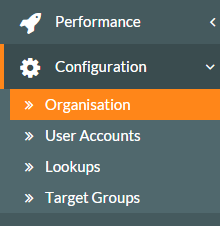
- The Organisation Management screen will be displayed.

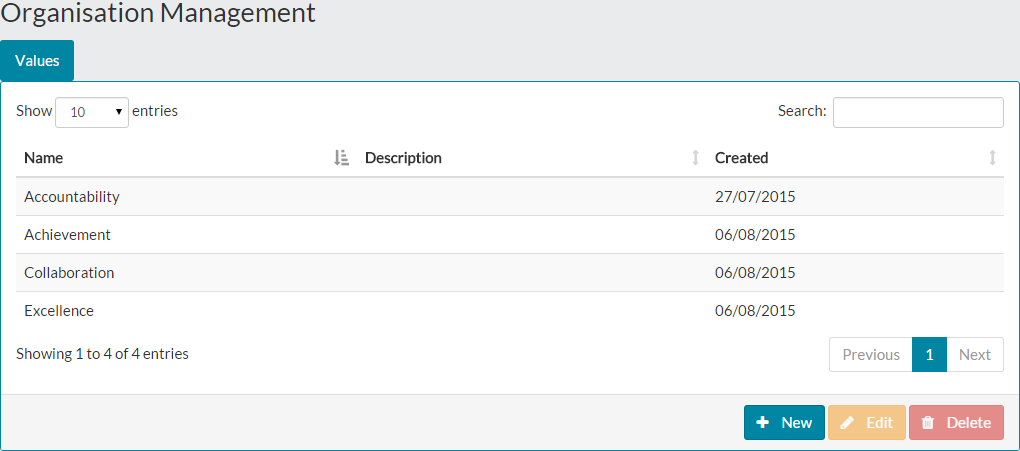
- Each organisation-wide configuration will be represented by a tab within the Organisation Management screen, as shown above with the Values tab.
Was this article helpful?
That’s Great!
Thank you for your feedback
Sorry! We couldn't be helpful
Thank you for your feedback
Feedback sent
We appreciate your effort and will try to fix the article