Applies to: All Employees, Team Leaders/Managers and HR/Customer Administrators
To log in to MyPeople, browse to your unique customer web address https://<name>.mypeoplemanager.com, where <name> equals your customer name, using your internet browser. For example: https://mypeople.mypeoplemanager.com.
The MyPeople log in page will be displayed, as shown below.

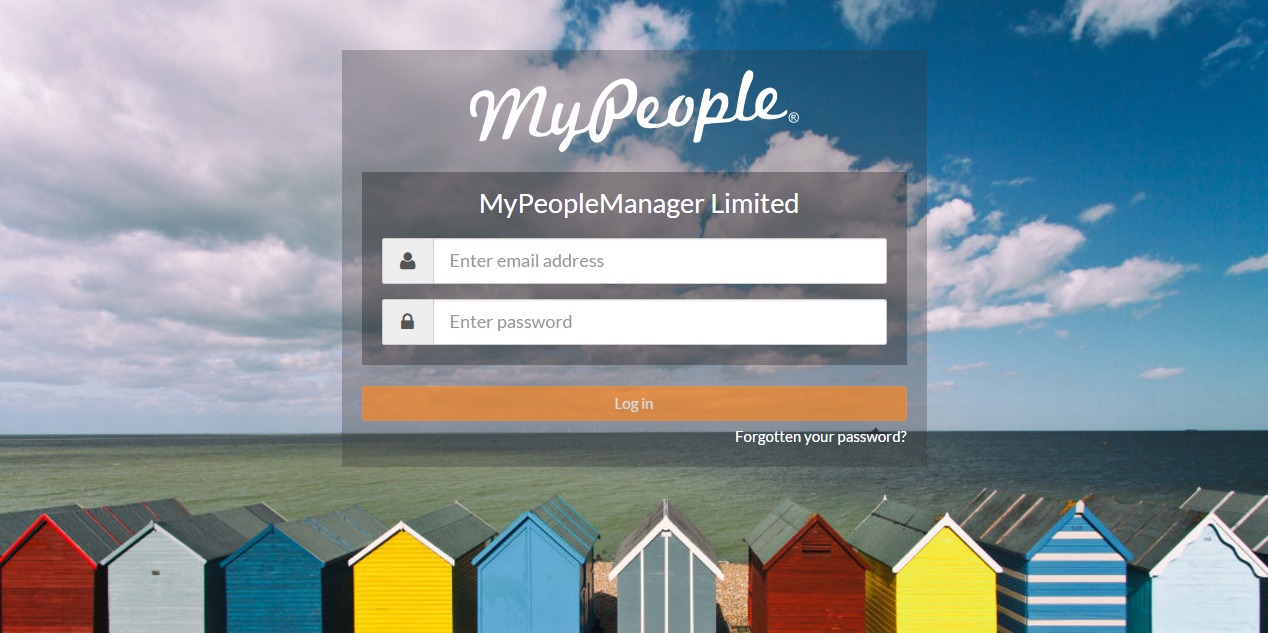
- Enter your company/assigned email address.
- Enter your password. This password will either be the one created during your first password creation, or something you have since changed it to.
- Click Log in, which will load your dashboard.
- Should you have forgotten your password or are having trouble logging in, click the ‘Forgotten you password?’ link just under Log in button, to reset your password.
- Alternatively, contact your administrator to reset your password for you. This process will generate an email to your inbox with instructions.
Was this article helpful?
That’s Great!
Thank you for your feedback
Sorry! We couldn't be helpful
Thank you for your feedback
Feedback sent
We appreciate your effort and will try to fix the article