Applies to: HR/Customer Administrators
Lookups are pre-defined values for drop-down menus throughout MyPeople.
For example, one lookup is named Address Types. This by default, contains two entries for Home and Work address types, which can be used in places such as a joiner wizard or when editing an employee record. Similarly, another lookup called ‘Sick Reasons’, contains values that an employee can select as the nature of their sickness, when recording sick leave.
As an administrator, you can add, edit and remove lookup values, but remembering that these apply to the corresponding drop-down fields used across MyPeople.
- Logged in as an administrator, you can access Lookups by clicking the Configuration side menu, followed by the Lookups sub-menu.

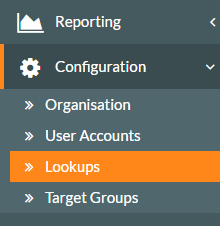
- The system lookups are loaded on screen and look similar to dashboard panels.

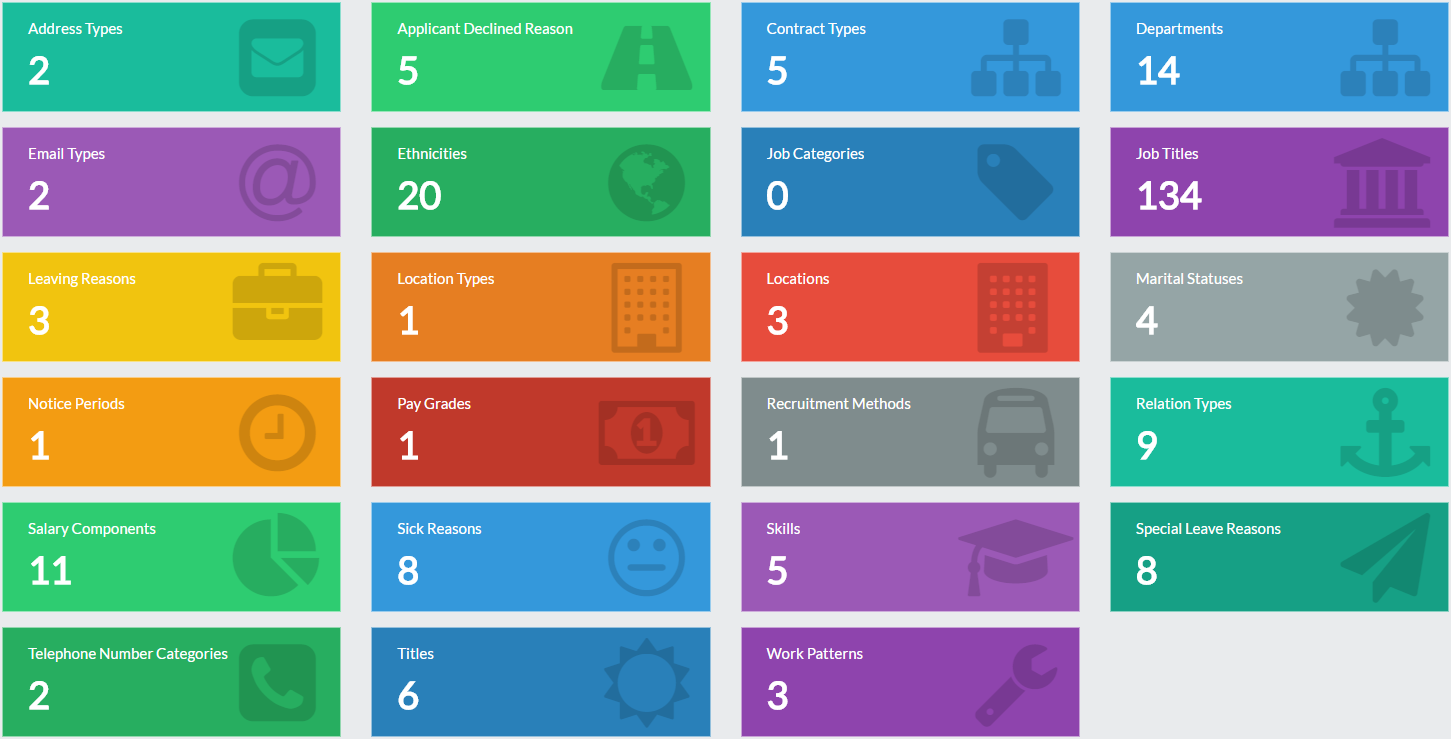
- As you can see, there are quite a few lookups within the system.
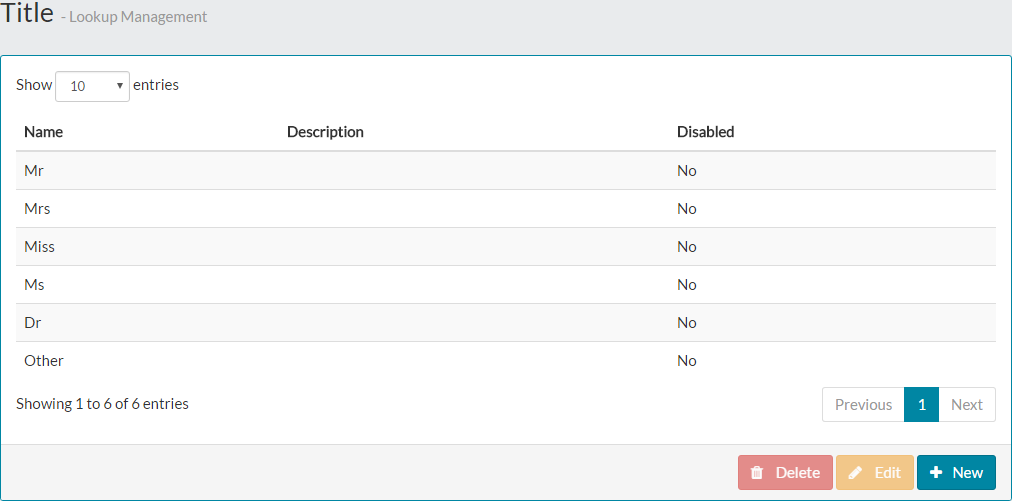
- Taking one of the lookup items such as Titles, we can see what is added by default to the lookup, by clicking the Titles lookup panel.

- The values can then be seen in places such as the Joiner Wizard, when selecting the title of a new employee.

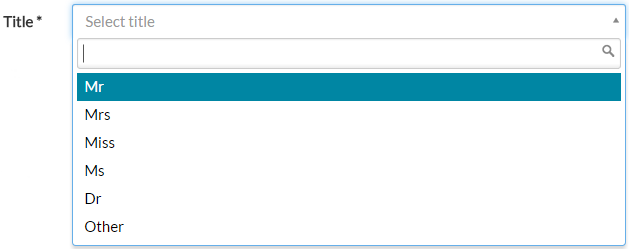
- Each lookup comes with some basic default values, but is also editable to meet your company requirements.
Was this article helpful?
That’s Great!
Thank you for your feedback
Sorry! We couldn't be helpful
Thank you for your feedback
Feedback sent
We appreciate your effort and will try to fix the article