Applies to: HR/Customer Administrators
Lookups will by default, contain some pre-populated values as a base configuration. You can however, edit existing lookup values in any of the lookup categories.
- Logged in as an administrator, click on the Configuration side menu, followed by the Lookups sub-menu.

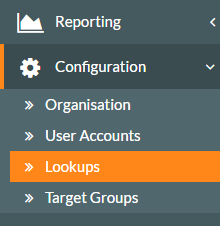
- The Lookups screen will be displayed.

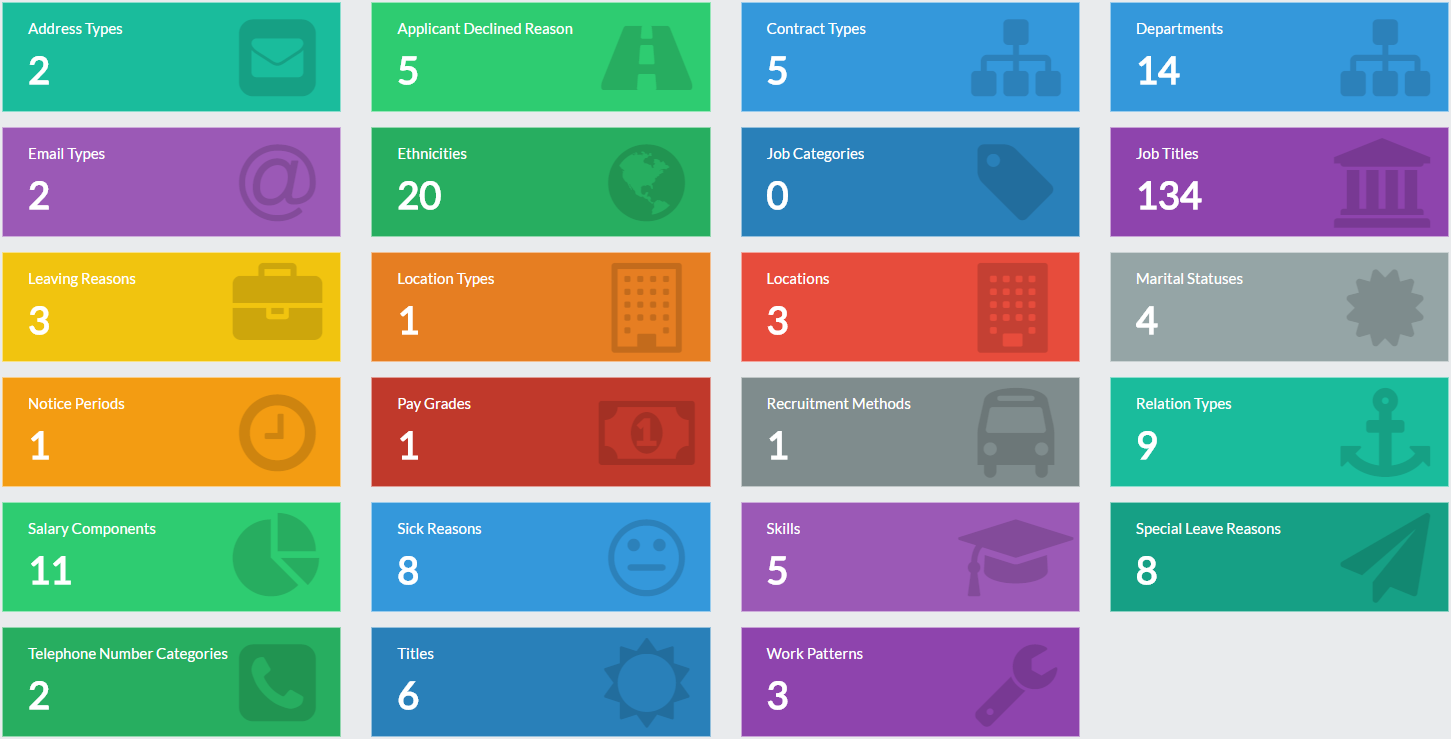
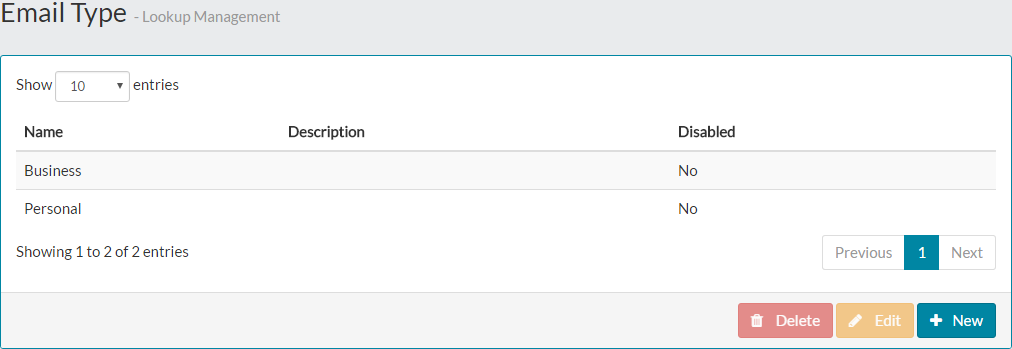
- Click on the lookup category you wish to edit a value of, which displays the table of lookup values for this category.

- Select the value to be edited.

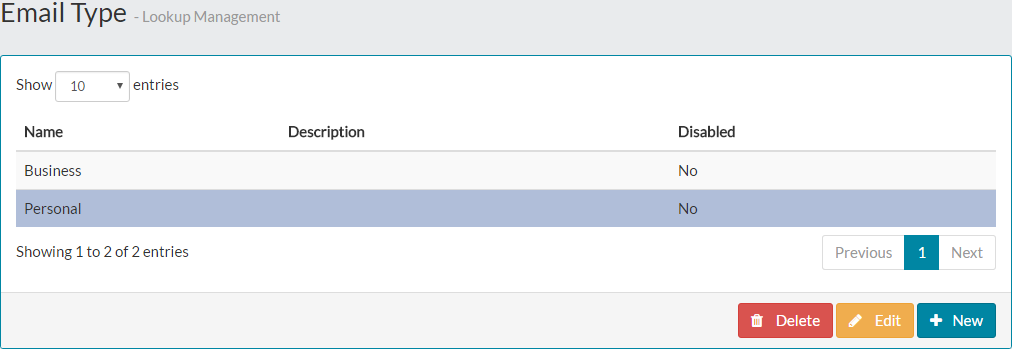
- Click the amber edit button and the edit form will be displayed.

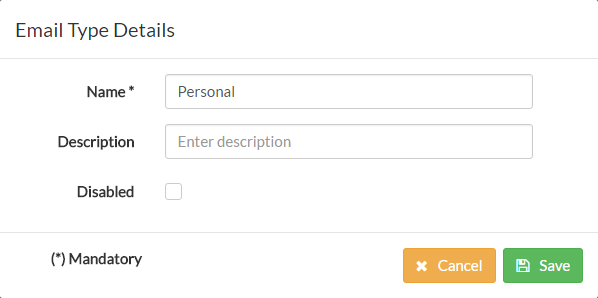
- Make your required change(s) to the lookup value.

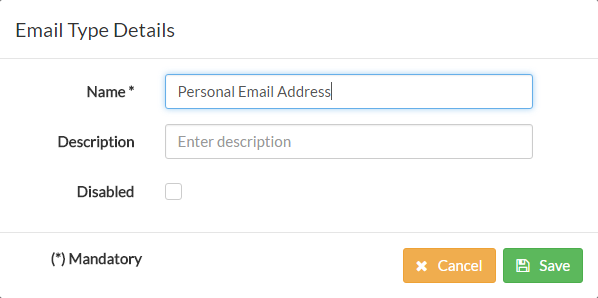
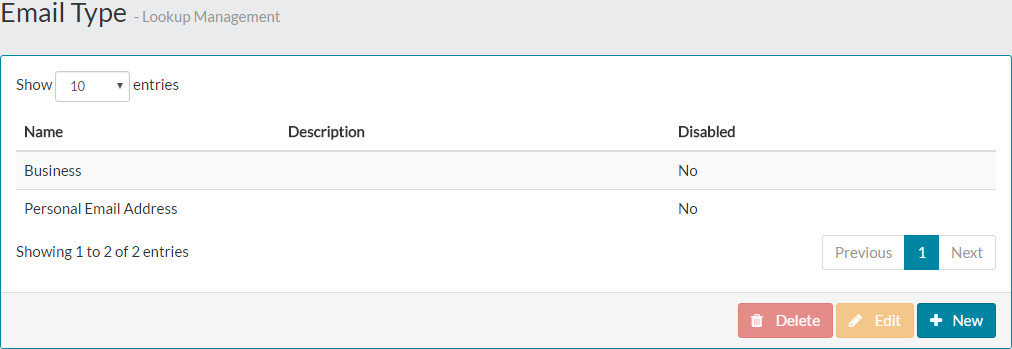
- Click save and this will be displayed in the lookup category table.

- The new value can then be selected in the corresponding part of the system.

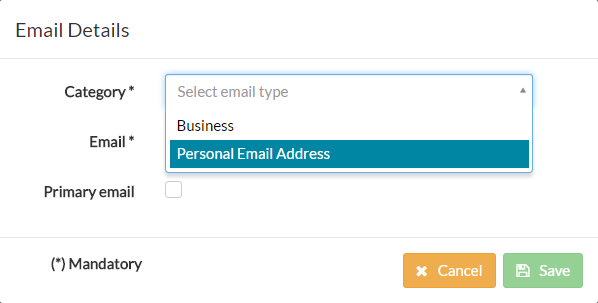
- In the example above, when editing an employee record, on the contact tab and email address section, we can now see the edited lookup value for email address type.
Was this article helpful?
That’s Great!
Thank you for your feedback
Sorry! We couldn't be helpful
Thank you for your feedback
Feedback sent
We appreciate your effort and will try to fix the article