Applies to: All Employees, Team Leaders/Managers and HR/Customer Administrators
Some of your skills may no longer be relevant to your role and you may wish or need to delete them.
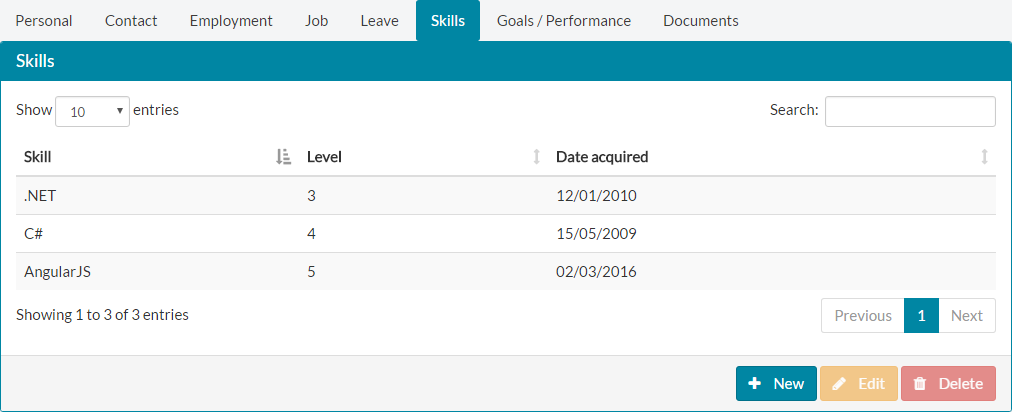
- To delete a skill from My Details, first select the skill you wish to delete.


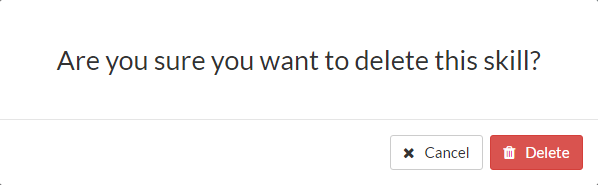
Click the delete button at the bottom of the Skills window. - Confirm you wish to delete the skill when prompted. This is a permanent action and cannot be undone. If you wish to cancel this process, click close without confirming.

- The skill will be immediately removed from your list of skills.

Was this article helpful?
That’s Great!
Thank you for your feedback
Sorry! We couldn't be helpful
Thank you for your feedback
Feedback sent
We appreciate your effort and will try to fix the article