Applies to: HR/Customer administrators
Document types allow an administrator to create a certain document, which may be required by all or selected employees or departments. Once created, the document This document can be marked as required if needed.
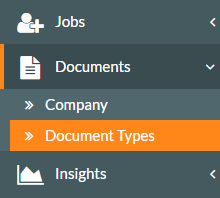
- To access Document Types, click on the Documents side menu, followed by the Document Types sub-menu.

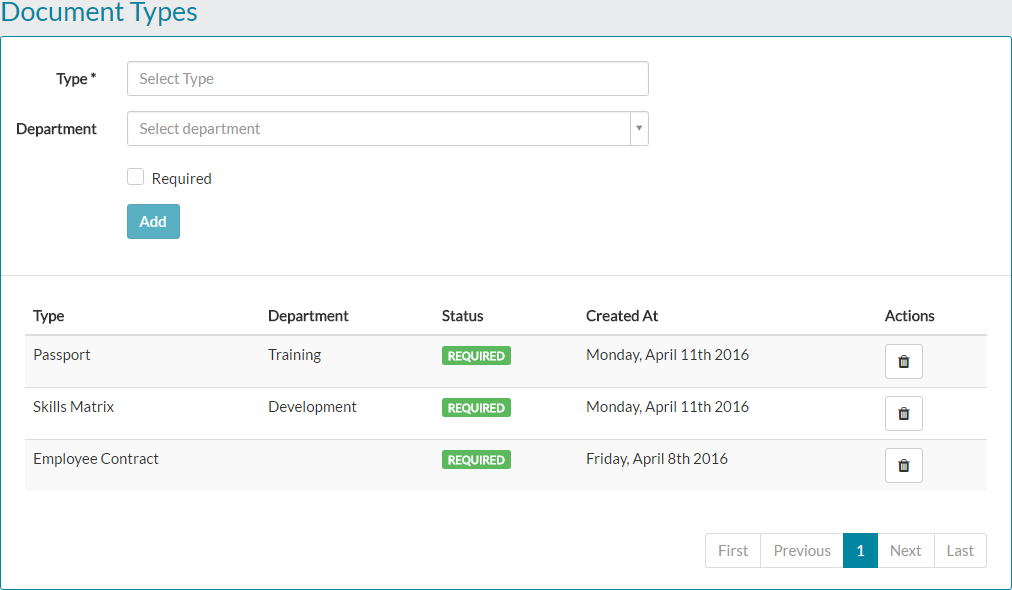
- The Document Types screen will be displayed, possibly showing some previously created entries.


- When creating a document type, the type could something such as Passport, Driving Licence or as shown above, Employee Contract.
- Enter a type, which is a required field.
- You can then select to add this to a department, by using the Department drop-down menu or leaving department blank, this would apply this document to all employees. As you can see in the example below, a Skills Matrix document type has been added and applied to only the Development department.


- Finally, you can choose to mark the document as required, by populating the check-box. Doing so, means that the employee has to at some stage, upload the corresponding file for this type.
- An example of a completed document type addition is shown below.

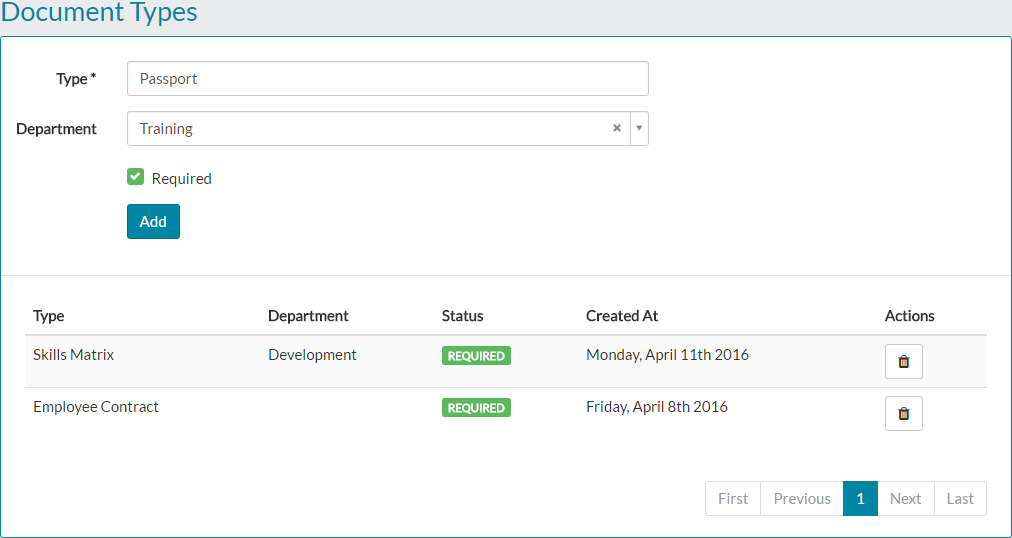
- Click add and the document type will then be added to either all employees or those selected in the department drop-down menu, if used.

- An email notification will be sent to all or selected employees, an example of which is shown below.

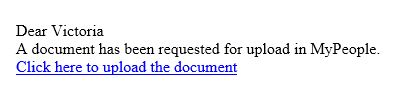
- Selected employees will also receive a task within MyPeople, to upload the corresponding document.


- When an employee matching the criteria set under the new document type view their My Details page, they’ll see the new document type either as a required or standard document and be able to upload the corresponding file.


- Uploading documents, as well as an employee adding additional material, is covered in greater detail in the related articles below.
Was this article helpful?
That’s Great!
Thank you for your feedback
Sorry! We couldn't be helpful
Thank you for your feedback
Feedback sent
We appreciate your effort and will try to fix the article