Applies to: Team Leaders/Managers and HR/Customer Administrators
Occasionally, you may need to delete a goal for one of your team. This might be due to the goal no longer being valid or being complete and no longer needed.
Deleting Goals
- From the employee record of your team member, select the Goals/Performance tab.
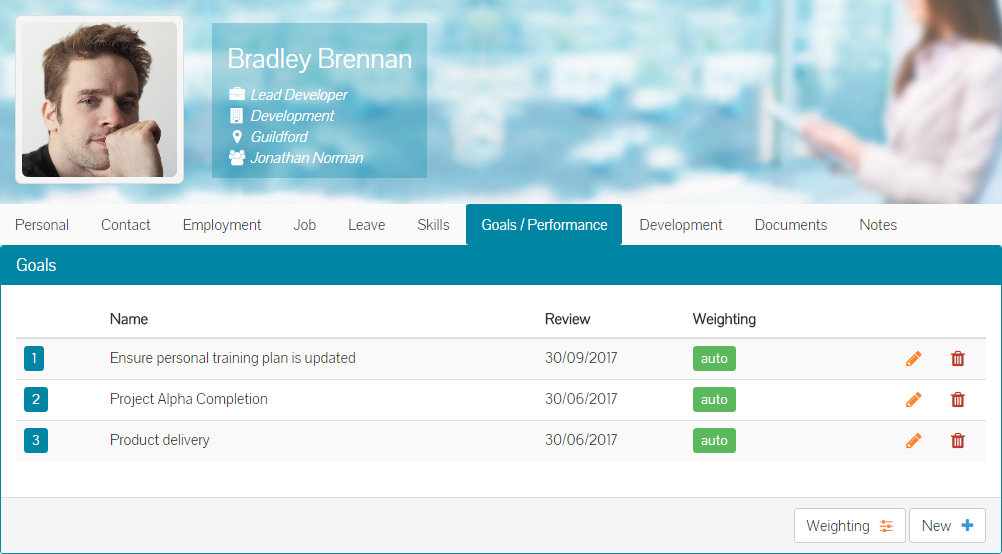
- Click the red trash can next to the goal you wish to delete and you’ll be asked to confirm that you wish to delete this goal.
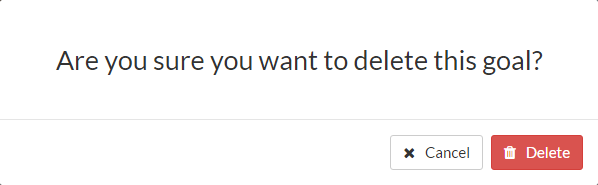
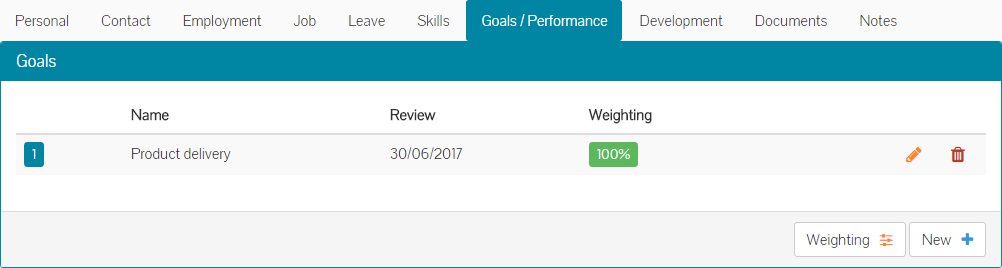
- Click confirm and the goal will be permanently deleted. The employee’s goals table will be updated to no longer show this goal.
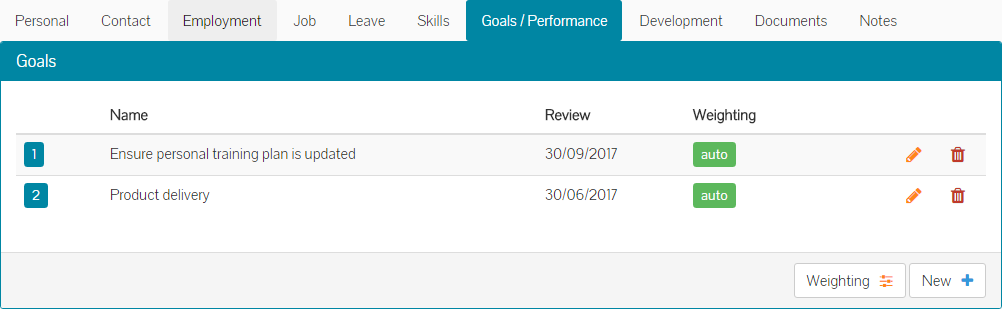
- Complete the same steps for any other goals that need to be deleted.
Deleting Weighted Goals
If you’ve been using weighting against an employee’s goals, the process to delete a goal will differ slightly.
- From the employee’s goal table, click the red trash can against the goal that needs to be deleted.

- As you can see above, the goals currently have manual weight percentages assigned to them.
- Click the red trash can icon next to the goal to be deleted and you’ll be asked to confirm that you wish to delete this goal. At this stage, you’ll also be advised that X% of weight, will need to be distributed across other goals.
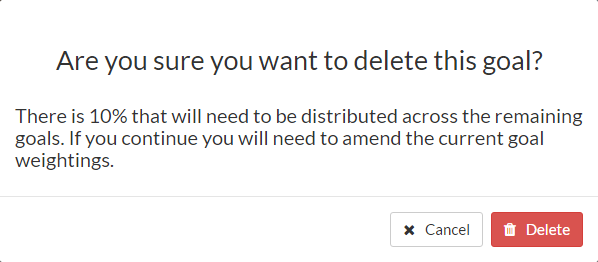
- Click delete and you’ll immediately be taken back to the goal weighting screen, to distribute the weighting across other goals, to make 100%.

- Once you have adjusted the weighting for the remaining goals, the percentage will reach 100 and turn green.
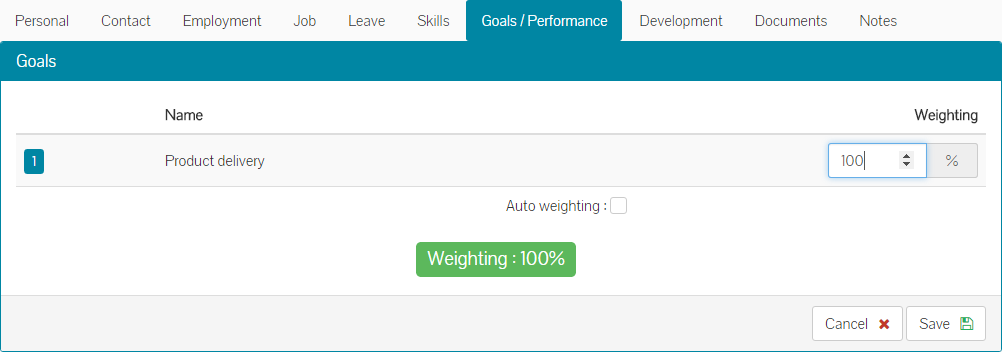
- Click save and the deleted goal will be removed, as well as showing updated goal weighting for the remaining goals in the employee’s goal table.
- Complete the same steps for any other goals that require deletion.
Was this article helpful?
That’s Great!
Thank you for your feedback
Sorry! We couldn't be helpful
Thank you for your feedback
Feedback sent
We appreciate your effort and will try to fix the article