Applies to: All Employees, Team Leaders/Managers and HR/Customer Administrators
There could be times that leave you have requested or had approved, may need to be cancelled. Likewise, in very rare situations, taken leave could be submitted as cancelled too.
There is a slight difference between cancelling requested or approved leave, to leave that has a status of taken.
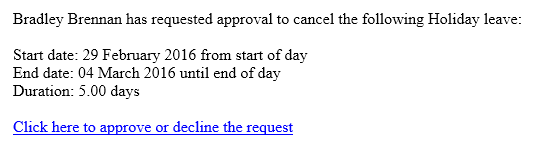
Cancelling requested or approved leave yet to be taken, is quickly marked as cancelled and updates your leave allowance information immediately. Cancelling leave with a status of taken, sets this to cancelling and requires approval by your team leader/manager, who will receive an email notification that you have cancelled the leave.
- You can cancel leave, by first accessing your leave information.
- This can be accessed by one of the following methods.

 My Leave dashboard panel.
 Holiday Left dashboard panel.
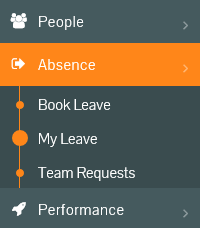 Absence -> My Leave side menu.
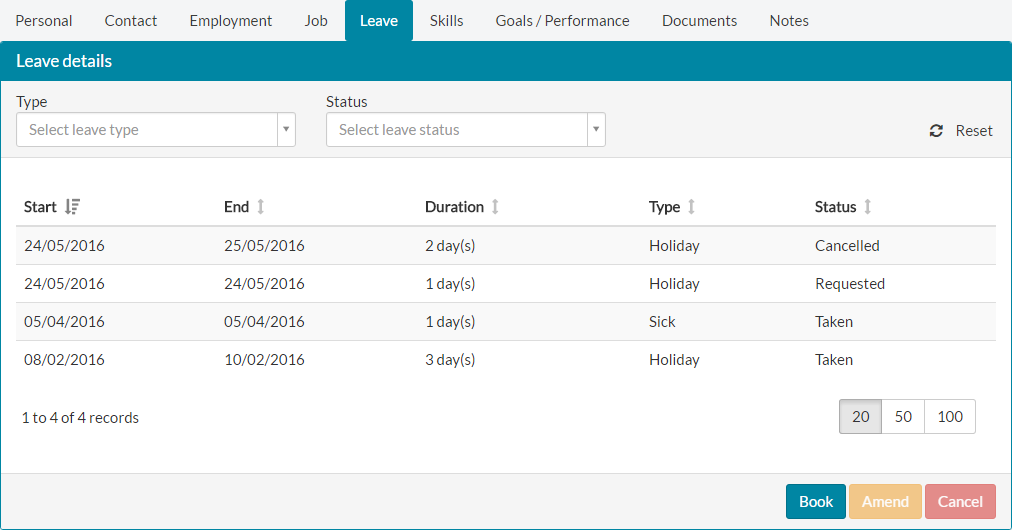 Leave tab under My Details.
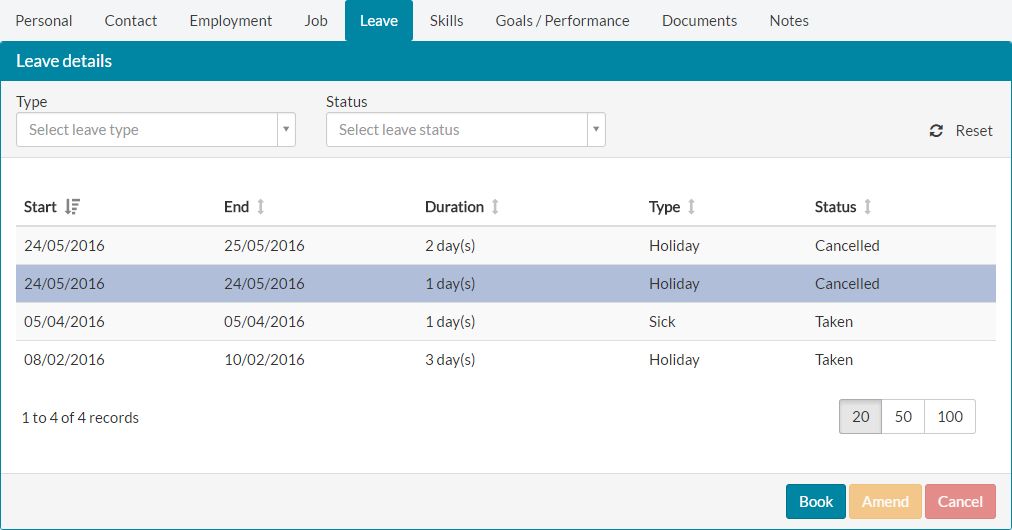
 - Using any of the methods mentioned above to access your leave information, will display a table of your leave, similar to the table above.
Cancelling Requested or Approved Leave
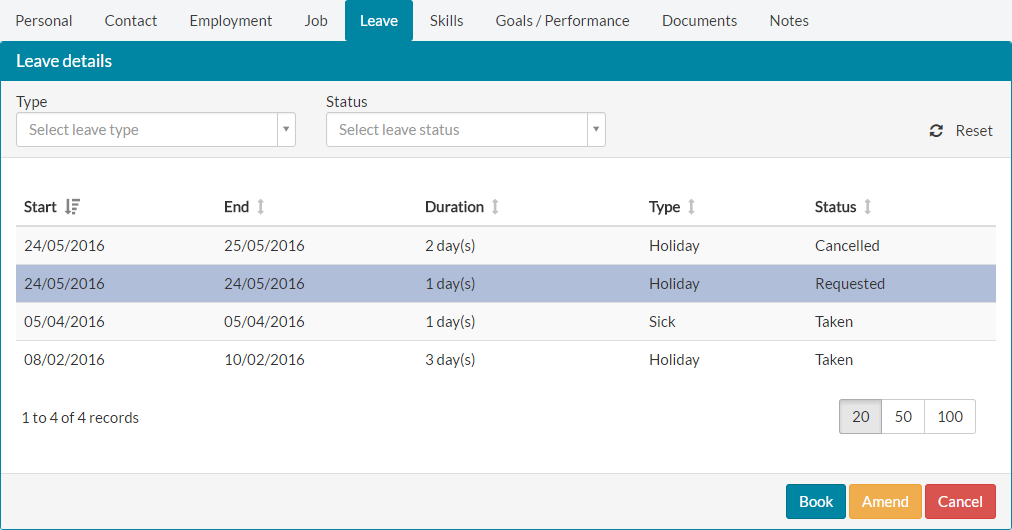
- To cancel requested or approved leave, select the leave record and click the red cancel button.

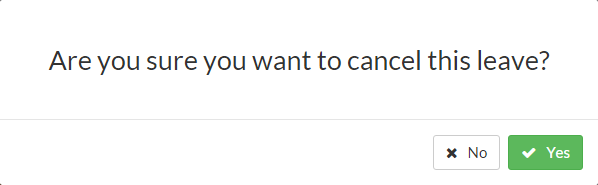
- Confirm the cancellation of your leave.

- The leave record will be updated to show the cancelled status and your allowances will be re-adjusted to reflect the numbers of days cancelled.

Cancelling Taken Leave
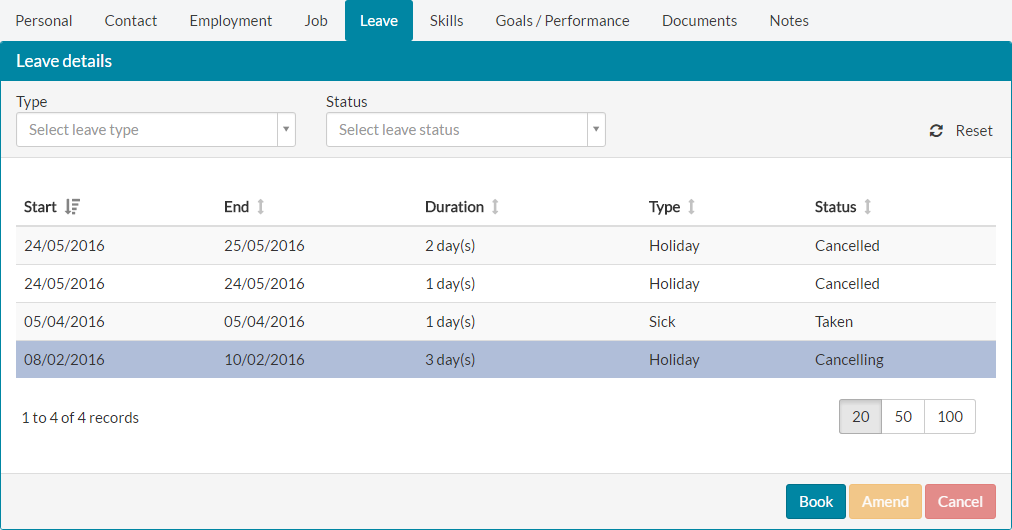
- If you’re cancelling leave with a status of taken, completing the same cancel and confirmation steps still apply, but the leave record will show as cancelling.

- Your team leader/manager will receive an email notification, similar to the example below.

- If your team leader/manager approves the cancellation, your leave record will update from cancelling to cancelled and your leave entitlement will be adjusted by the number of days cancelled.
Was this article helpful?
That’s Great!
Thank you for your feedback
Sorry! We couldn't be helpful
Thank you for your feedback
Feedback sent
We appreciate your effort and will try to fix the article