Applies to: All employees
Both internal employees and external candidates can apply for open vacancies, but these are completed in different ways. This guide is for internal employees applying for other vacancies in your organisation.
Applying Internally
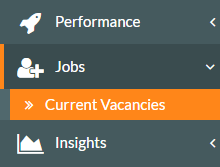
- To apply for an open vacancy within your organisation, click on Jobs on the side menu, followed by the Current Vacancies sub-menu.

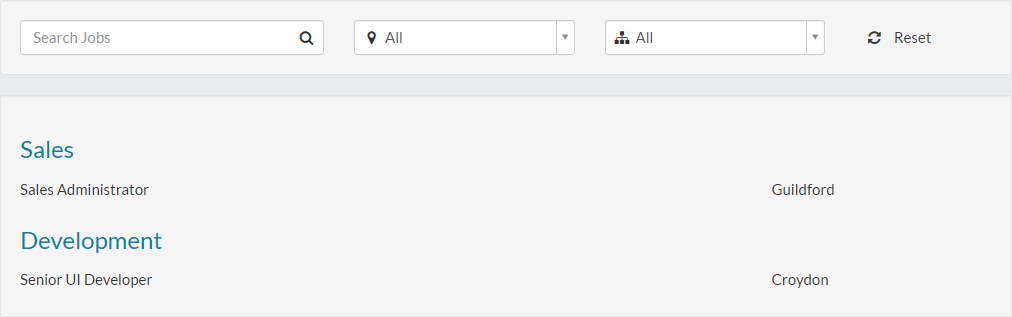
- A list of all current vacancies will be displayed, if any are available.

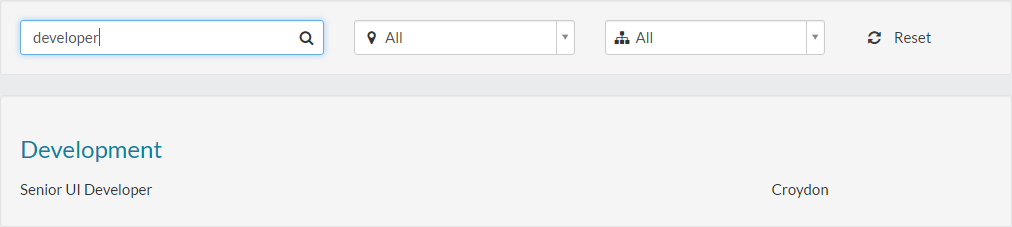
- Should the list of vacancies be quite long, you could search the jobs by job title or use the filter controls at the top of the page, to refine the list.
- For example, you could search for a term of Developer, which will result in any matching jobs with the term developer in the job title.

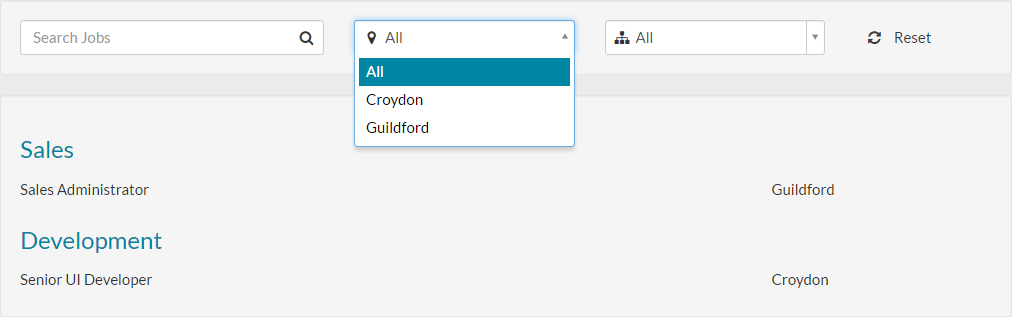
- You could also filter by location, using the location drop-down menu.

- Lastly, you could filter by department using the department drop-down menu.

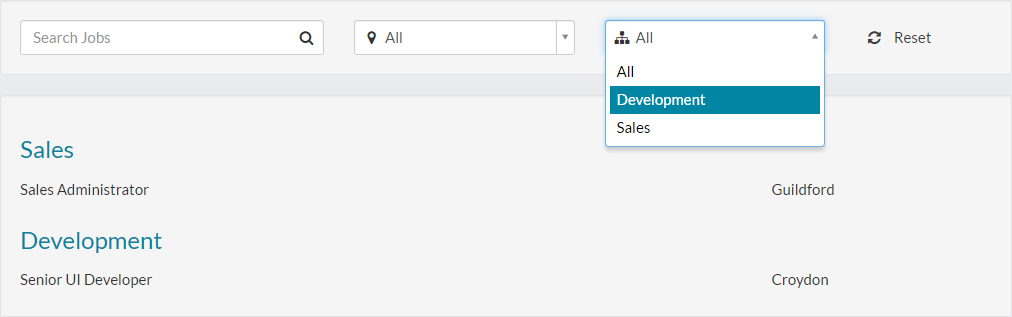
- Once you have found any matching vacancies, click the vacancy from the returned results and the vacancy details page will be displayed.


- The vacancy details page will most likely show the description of the role and responsibilities and possibly even the required skills/qualities you’ll need to have.
- It also shows details about the work pattern, date posted, closing date, location, department, number of positions available and the team manager.
- To apply for vacancy, click the apply now button, which will load application details screen.

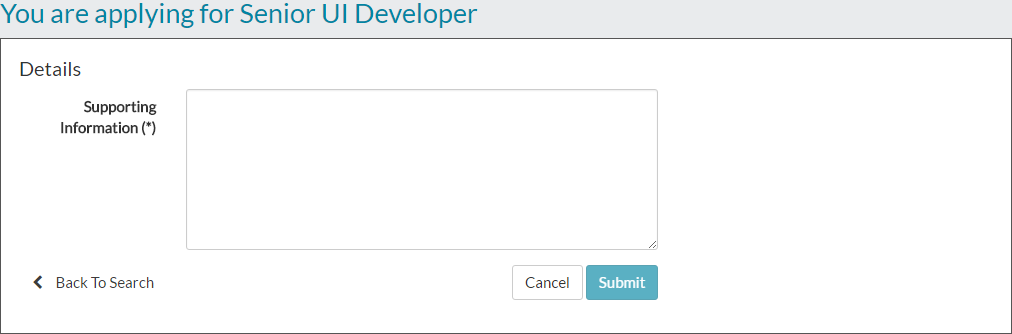
- Entering any supporting information for your application.

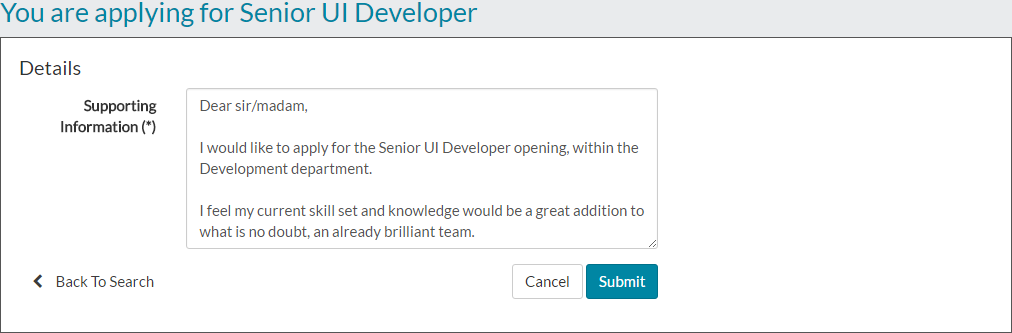
- Click submit and you’ll receive a message to state that your application has been received.


- At this stage, an email will be sent to the vacancy owner, to notify them that you have made an application. Alongside the team manager, they will no doubt liaise and discuss your application, before getting in touch with you to advise if you have been successful.
Was this article helpful?
That’s Great!
Thank you for your feedback
Sorry! We couldn't be helpful
Thank you for your feedback
Feedback sent
We appreciate your effort and will try to fix the article