Target groups allow for specific filters to be configured, which will result in employees that meet the configured filter conditions to be grouped together. The target group, could then be used for special one-off performance reviews and other similar functions.
For example, you could create a target group that has two filters, which are ‘Department = Sales’ and ‘Gender = Male’. This will group all males within the Sales department together. You could then create a performance review, specifically designed for this group.
Target groups are dynamic, in that they include employees that have recently joined the company, moved departments or now meet certain filters. For example, Alex Dyer who initially joined as part of the Sales department, has now moved to the Sales Support department. Alex will no longer be picked up by a target group for the Sales department, but will by any target group including Sales Support.
Accessing Target Groups
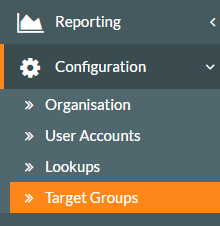
- To create, amend, delete or view existing target groups, logged in as an administrator, click on the Configuration side menu, followed by the Target Groups sub-menu.

- The Target Group Management screen will be displayed, showing existing target groups that you or fellow HR/Customer administrators have created.

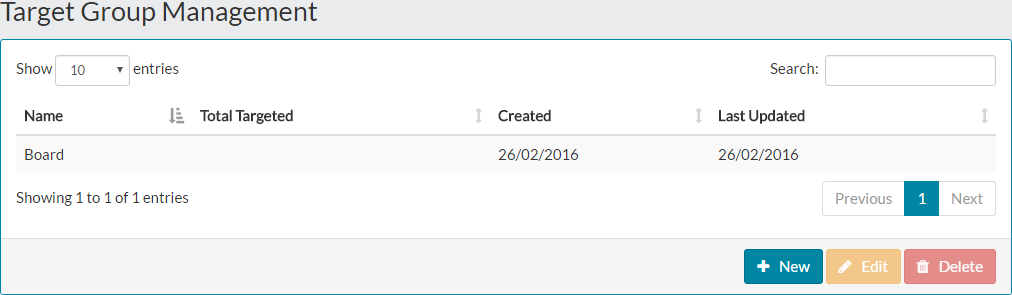
- From this point, you can view an existing target group, including the filters configured and the results of those filters, as well as creating a new target group, editing an existing group and finally, deleting target groups.
- Viewing, configuring new target groups, editing existing groups and deleting target groups is explained in greater detail in the related articles at the bottom of this page.
Target Group Usage
- Target groups can be used within MyPeople in places such as the Performance module.
- As you can see if the example Performance Review configuration below, you can select an existing target group or create a new target group directly at this stage.
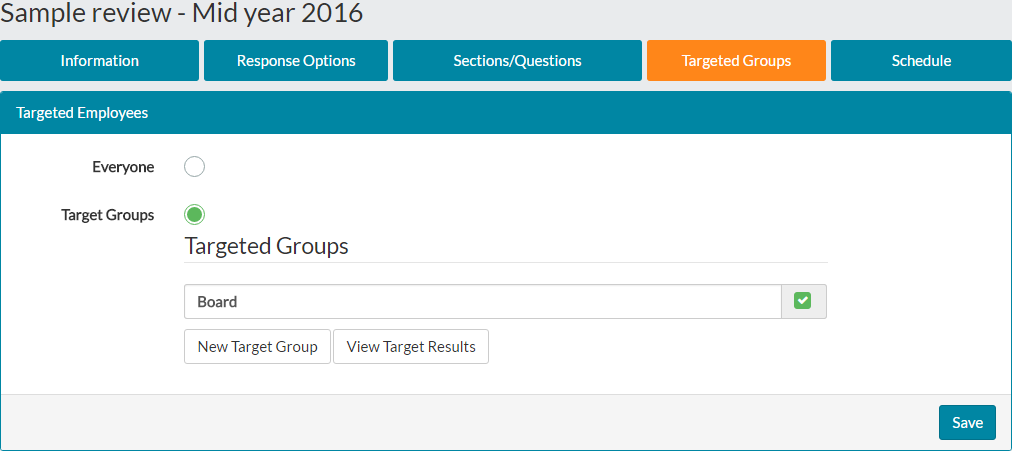

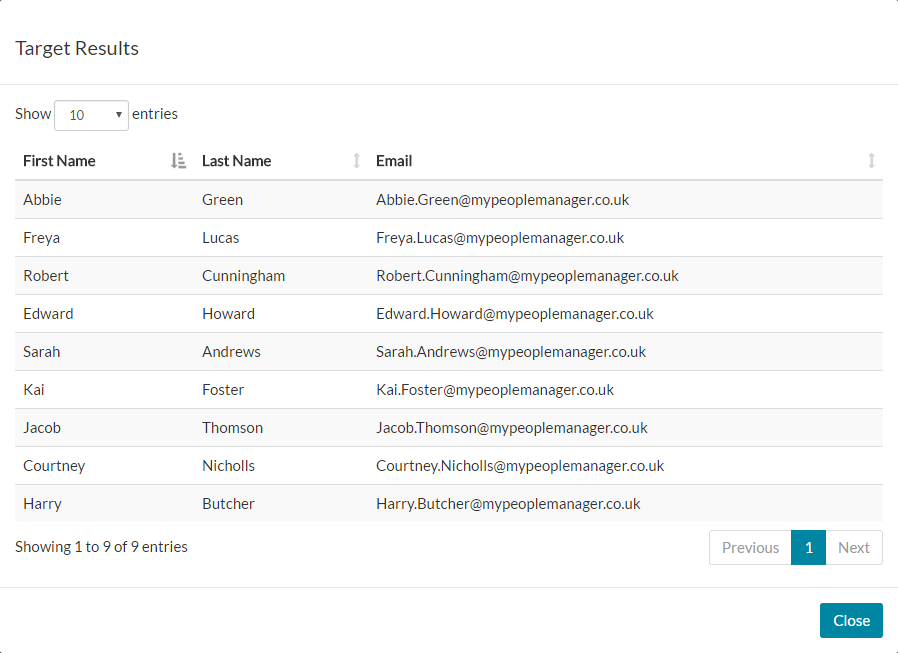
- Selecting an existing target group in the list by checking the box next to the group as shown above, you can view the results of this by clicking ‘View Target Results’. This is a way of checking who will be targeted as part of this performance review.

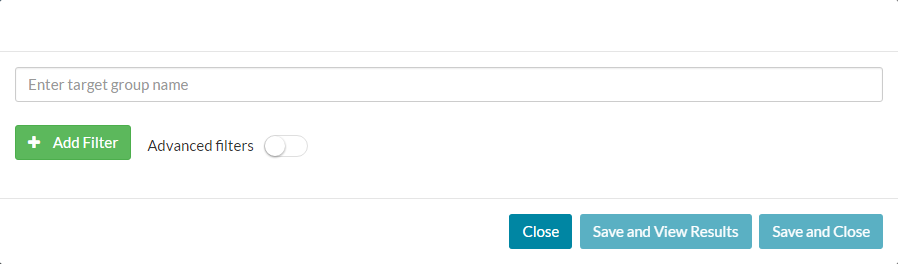
- Alternatively, you can configure a new target group within the performance review configuration, which is completed in the same way as configuring a target group outside of the performance module.

Was this article helpful?
That’s Great!
Thank you for your feedback
Sorry! We couldn't be helpful
Thank you for your feedback
Feedback sent
We appreciate your effort and will try to fix the article