Applies to: All Employees
The calendar within MyPeople, shows leave information across your colleagues, team, a specific department or the entire organisation.
Accessing the Calendar
- Click on the Calendar side menu, shown below.
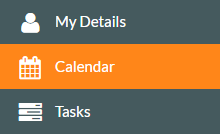

- The Calendar will load, starting with the default view of Colleague for the current month. You’ll also notice the current day highlighted in yellow.


- Clicking on any of the filters of Team, Department or Company, will show the calendar information based on that filter.

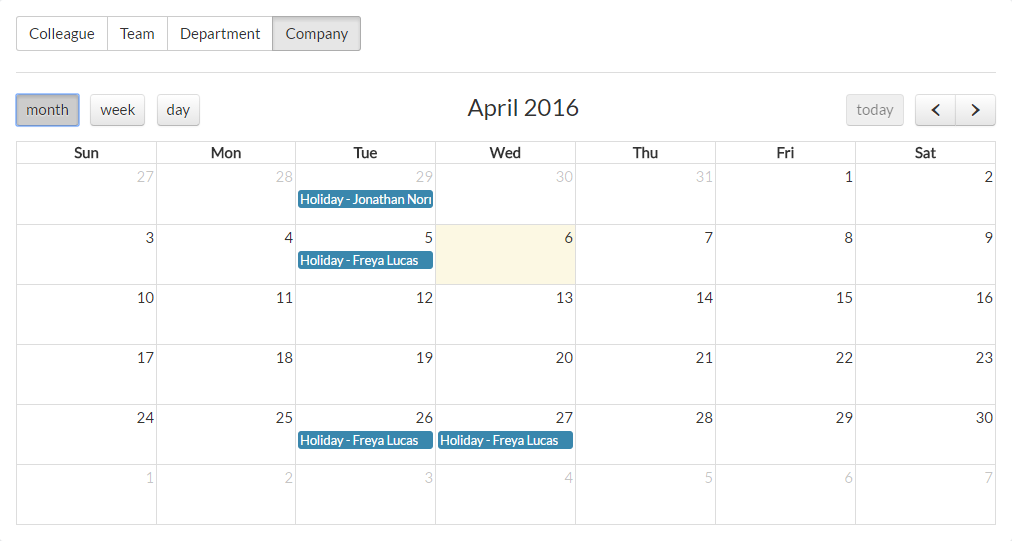
- You can display the calendar by month, week or day.
- You can also browse backward and forward through particular months, weeks or days to see more detailed information, using the backward and forward arrows shown to the right of the date shown.
- Each calendar view, with show more or less entries, depending on the view selected.
Was this article helpful?
That’s Great!
Thank you for your feedback
Sorry! We couldn't be helpful
Thank you for your feedback
Feedback sent
We appreciate your effort and will try to fix the article