Applies to: Team Leaders/Line Managers
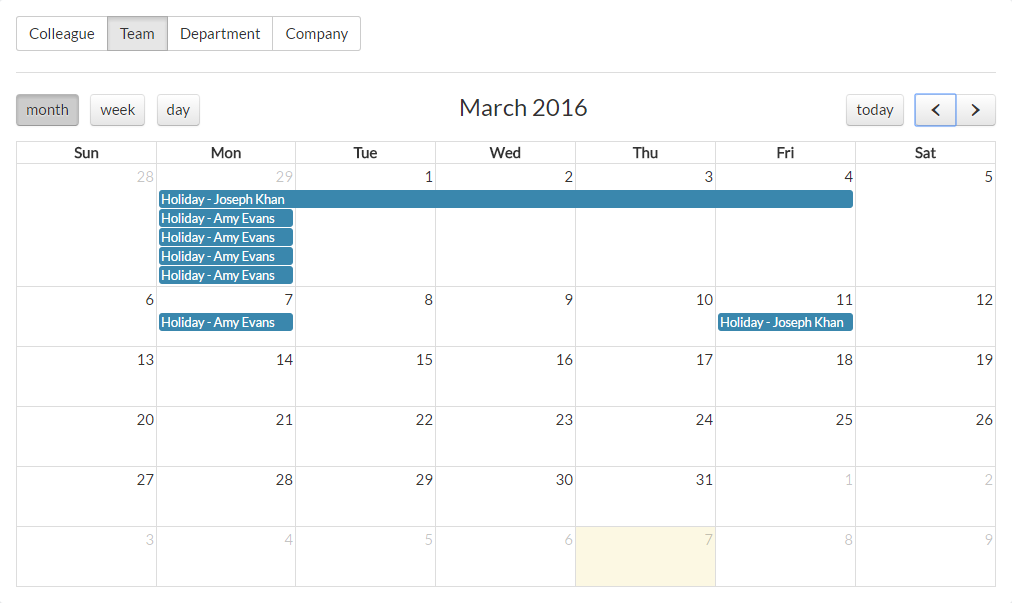
Under the Team view of the Calendar, you’ll be able to see leave for people within your team, so long as you have direct reports and are set as a line manager within MyPeople. This view does not show indirect reports. For those, you would need to use the Department or Company calendar views.
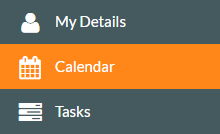
- To access the calendar, click on the Calendar side menu, shown below.

- The Calendar will load, starting with the Colleague view as a default, showing the current month and highlighting the current day in yellow.
- Click Team, to be shown the calendar view for your team members.

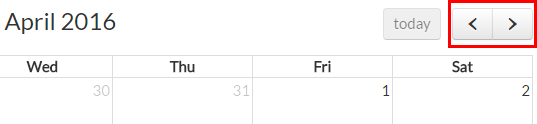
- You can use the backward and forward controls shown below, to browse back to the previous months and forward to future months.

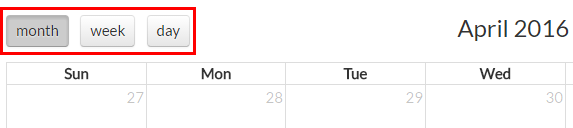
- You can display the calendar by month, week or day, by using the corresponding controls shown below.

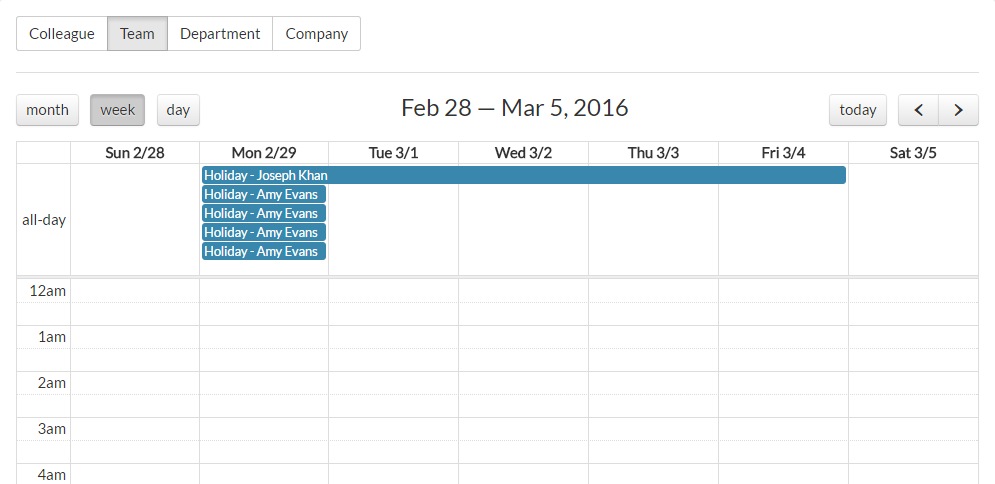
- By default, you start on the month view. Selecting the week view shows the corresponding week and any entries for that week, similar to the below example.

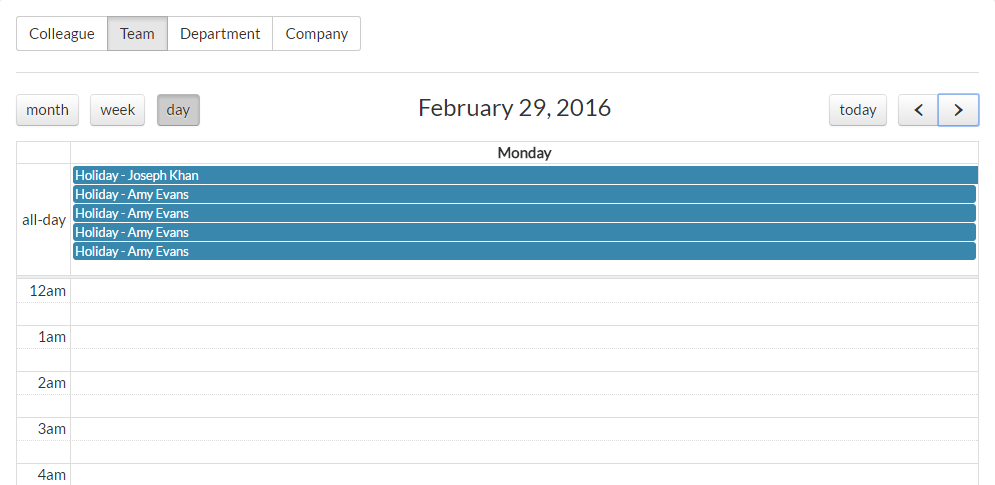
- Selecting the day view shows the selected day and any leave during that day, similar to the example below.

Was this article helpful?
That’s Great!
Thank you for your feedback
Sorry! We couldn't be helpful
Thank you for your feedback
Feedback sent
We appreciate your effort and will try to fix the article